Case study — Field operations
A pest control technician was spending evenings turning rough site notes into professional client reports. I built a tool that does the writing and the formatting, and hands back a branded PDF — with the technician still in control of every word.
The problem
Every pest control visit ends the same way: the client expects a written report of what was found and what was done. For the technician, that meant carrying a notebook of shorthand through the day, then sitting down in the evening to turn scrappy notes into clear, professional prose — and then fighting with formatting to make it look presentable.
The reports also drifted. A tired write-up at 9pm didn't read like a fresh one at lunchtime. Structure varied, tone varied, and quality depended on how much energy was left at the end of a long day.
This isn't back-office admin that no one sees. The report is the visible, client-facing output of the whole visit. An inconsistent or rushed report quietly undercuts work that was done well.
What I built
Three steps, done from a phone on site. The technician stays in control: nothing reaches a client without a human reading and approving it first.
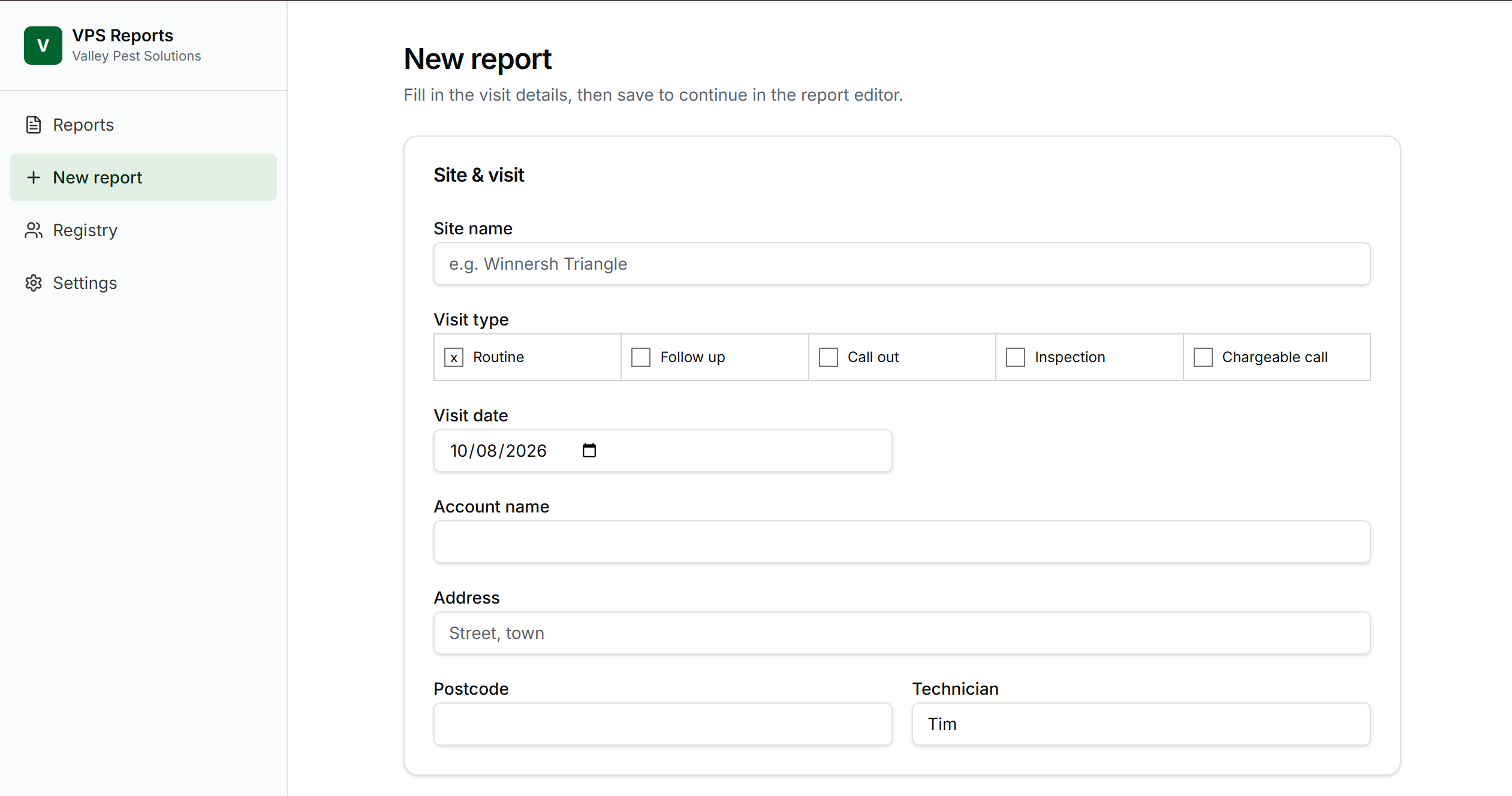
The technician types rough shorthand notes and adds photos straight from their phone, on site, while it's fresh. No structure required.
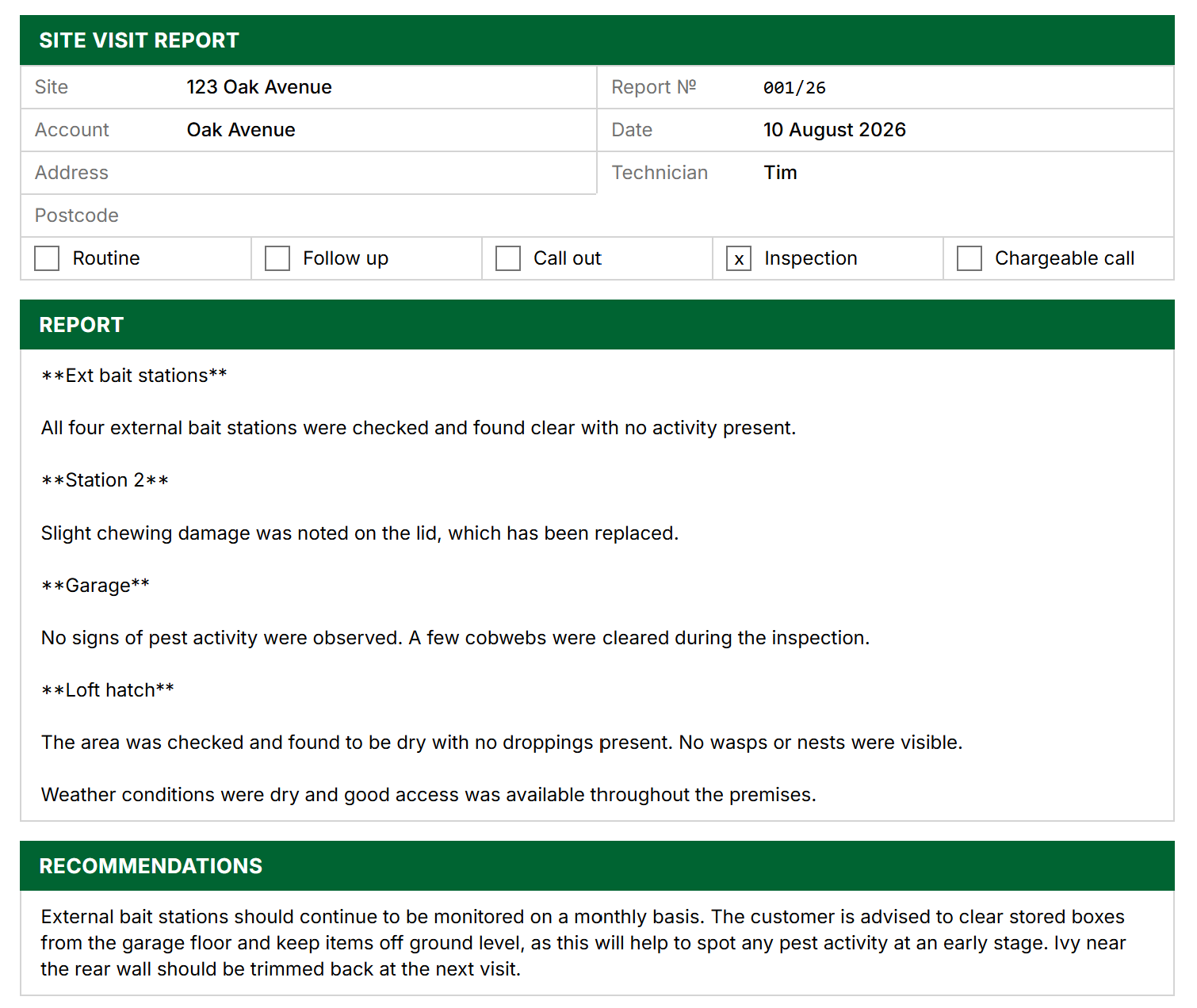
AI rewrites the shorthand into clear, consistent, professional report copy. The technician reads it, edits anything, and approves.
Human approval gate
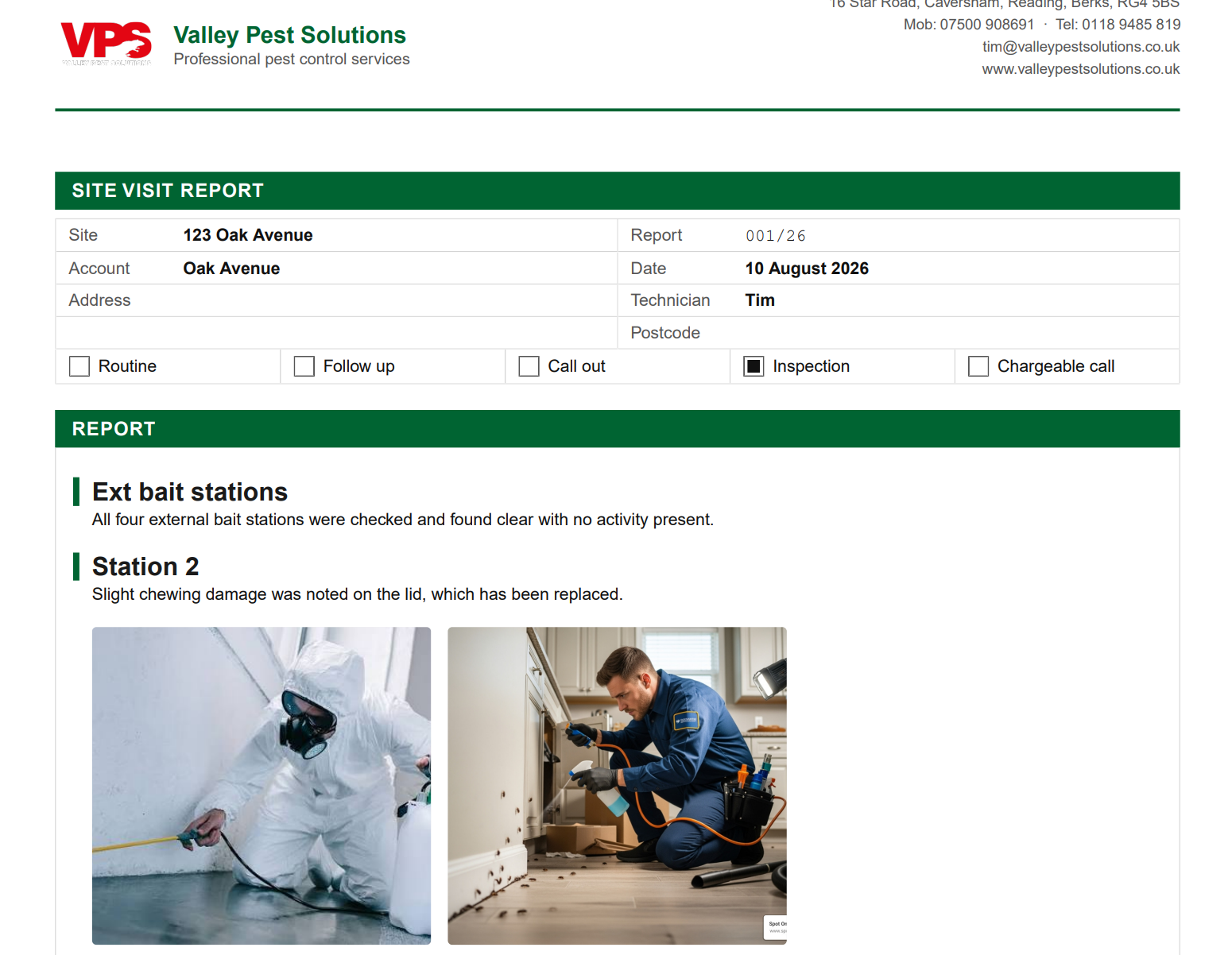
One tap produces a branded PDF, ready to send, and files it in a searchable report library organised by client and site.
How it works
No code needed to understand it. Notes and photos go in one end, a finished document comes out the other, with an AI writing step and a human check in the middle.
The AI drafts; the technician approves. The review step is deliberate, not an afterthought. Anything that goes to a client passes a human check first — that's a rule I apply to every tool I build, because it's what makes automation trustworthy enough to actually use.
Decisions & trade-offs
Site notes vary too much to fit fill-in-the-blank templates, and rigid forms had been tried and abandoned before. Letting the technician write freely and having AI shape it afterwards fits how the work actually happens, rather than forcing the work to fit the tool.
The review step adds a tap the technician can't skip. That's the point. On client-facing documents, a few seconds of human oversight is worth far more than the time it costs — it's the difference between a tool people trust and one they quietly stop using.
The document is produced in the same flow as the notes, not exported to a separate app to be reformatted. One flow, no copy-paste, nothing lost between systems. Fewer steps is fewer places for the process to break.
Rather than guessing the full feature set up front, I sequenced later additions — signature sign-off, library filters, per-client folders — from watching the tool used for real. Building what's needed next beats building everything at once.